Gupshup - Whatsapp
Create Whatsapp service
After having an account created at the provider, create and configure the Whatsapp service on it.
Steps
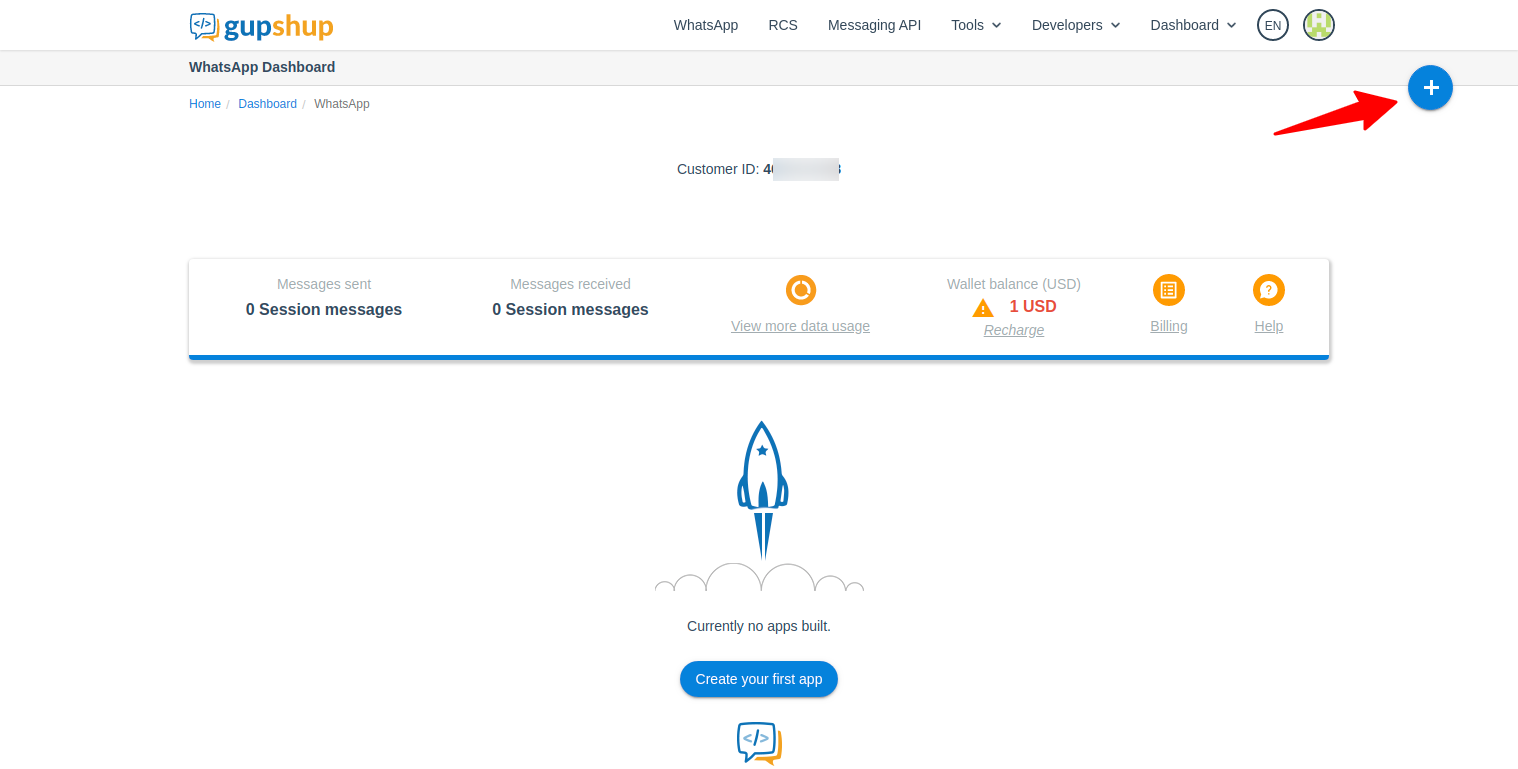
- Click the button to create a new app
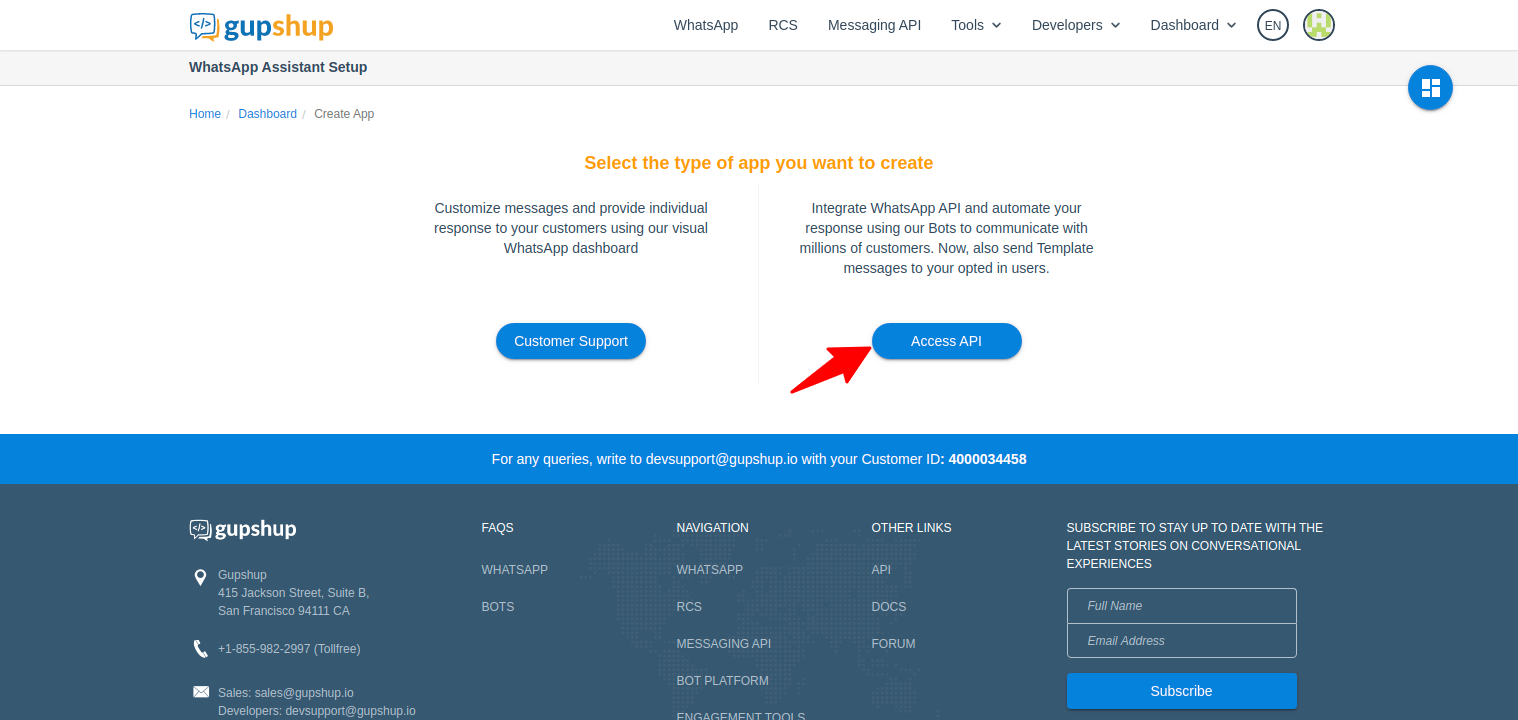
- Select the type of app you want to create. In our case it is Access API.
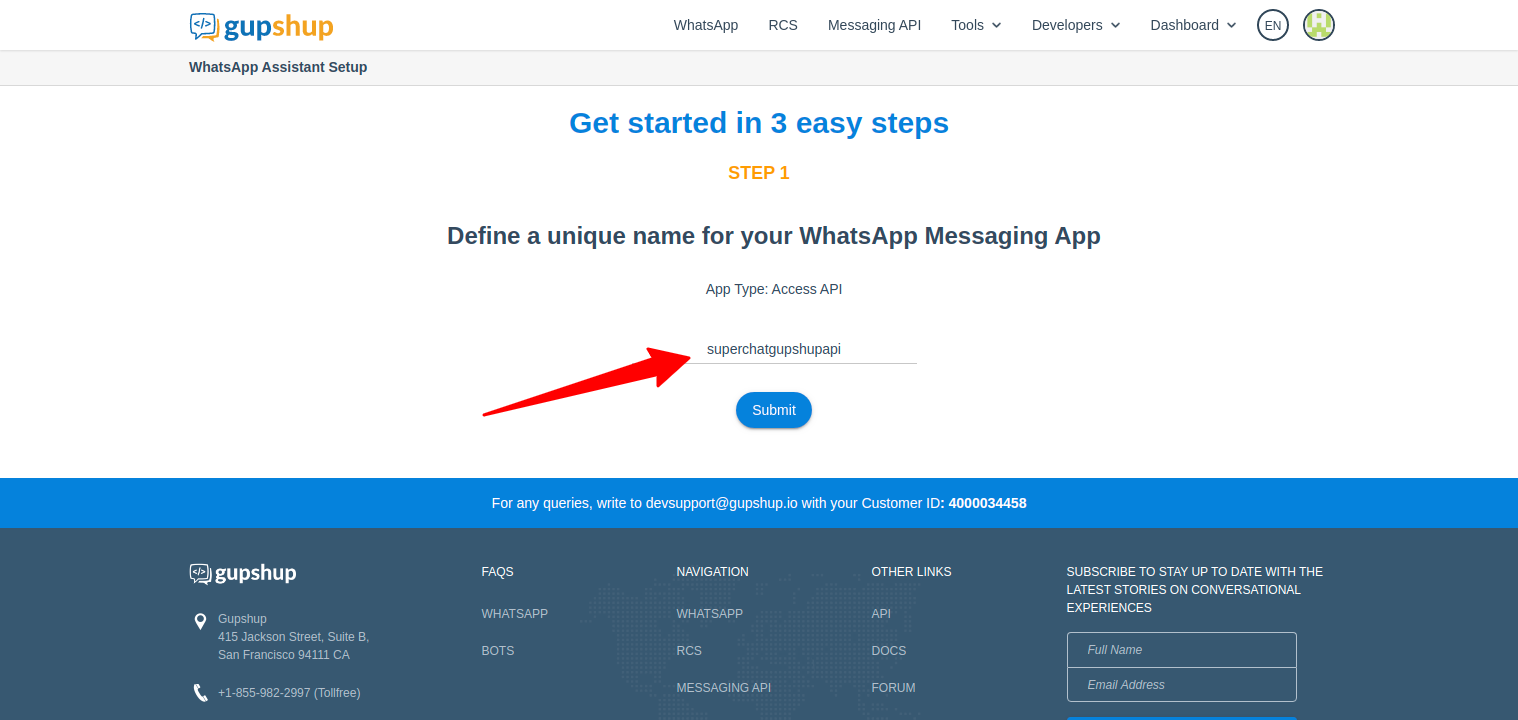
- Give the app a name
- After the app is created, scroll down and set your system language preference in the App
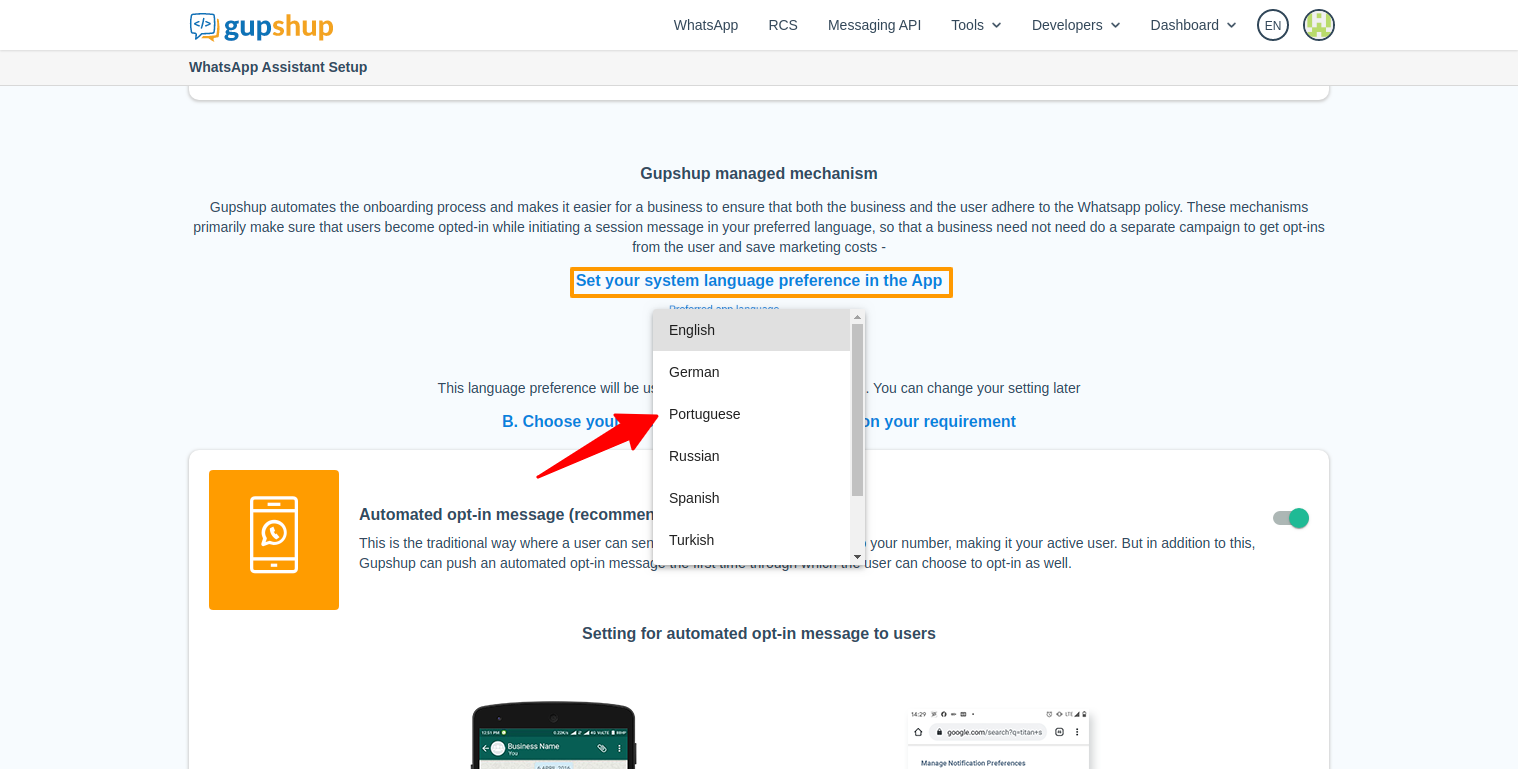
- Scroll down and click in the next button
- In the new page, sroll down until yoy find the Send messages to your users section.
- Enable the Template Messaging slider
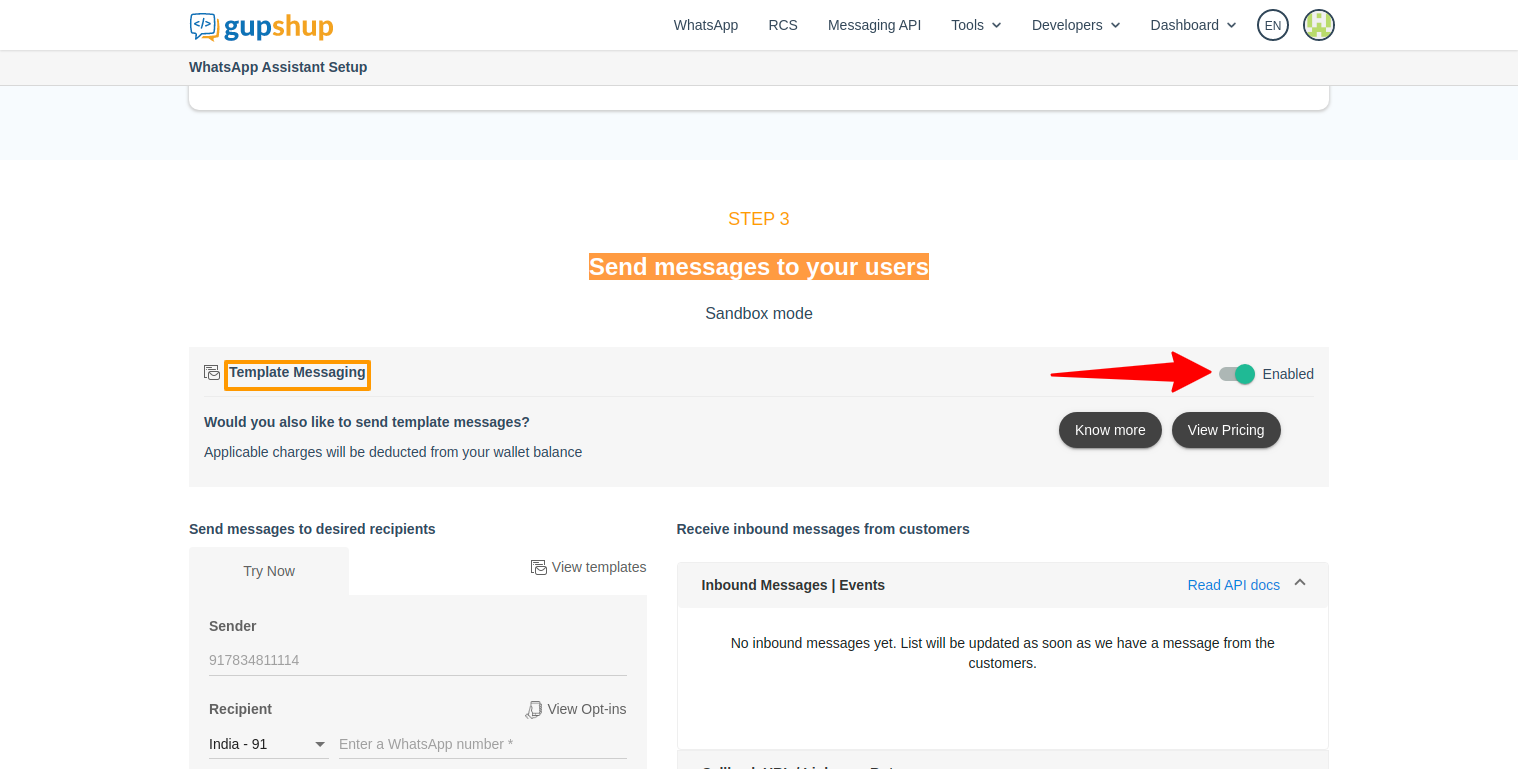
- Finally, scroll down and click on the Go to dashboard button
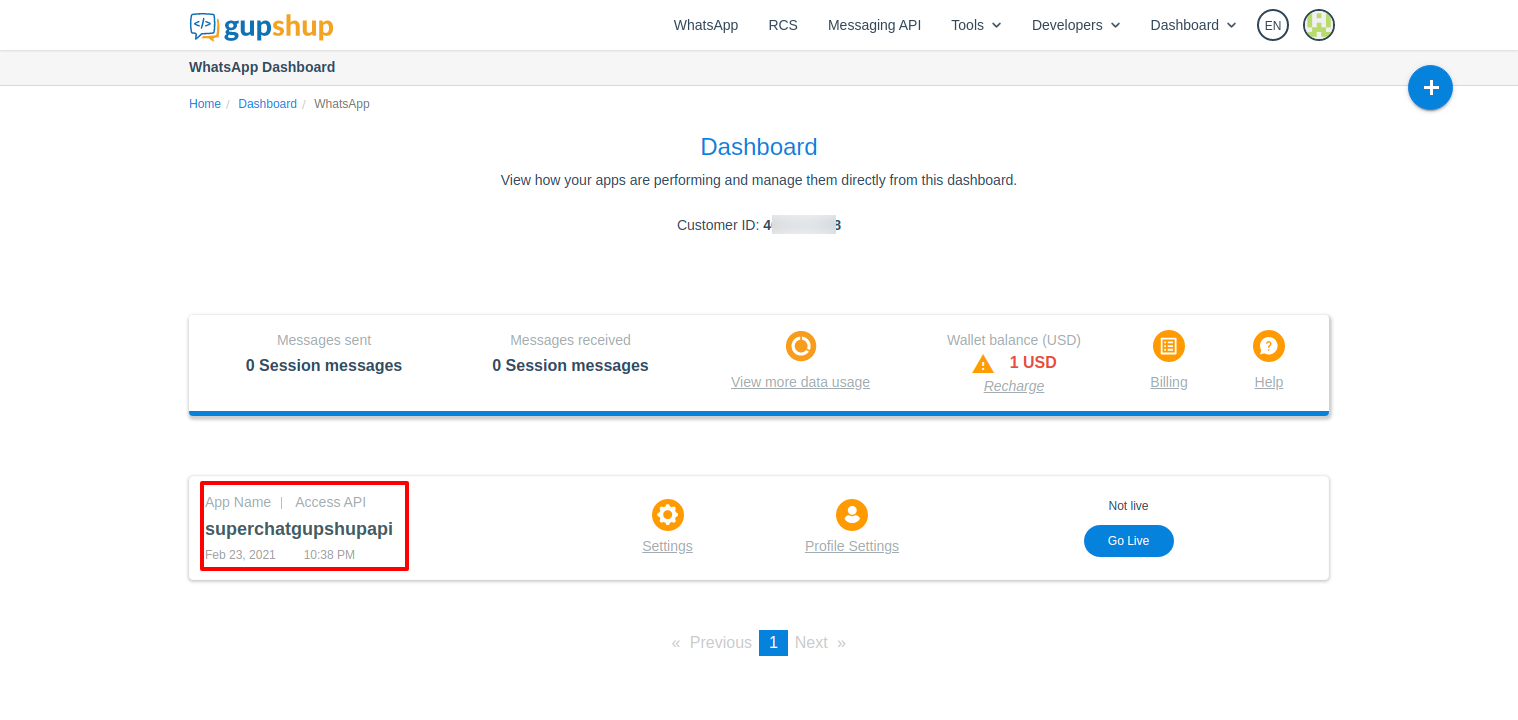
If everything went well, you will see something like this: