Gupshup
Provider site: https://www.gupshup.io
Account access: https://www.gupshup.io/whatsapp/dashboard
Requirements
You must have completed these steps:
Steps
Choose app
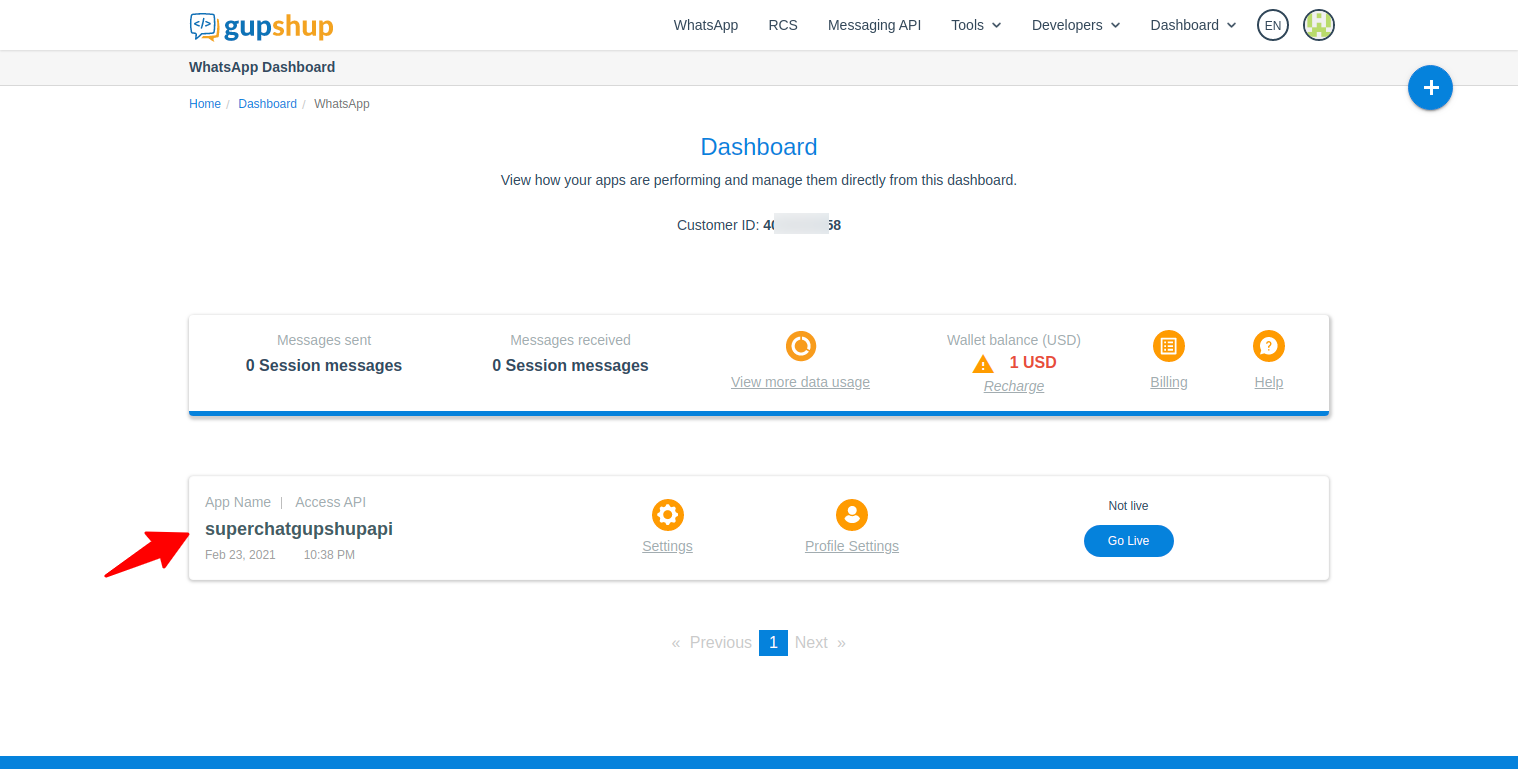
- Open https://www.gupshup.io/whatsapp/dashboard and choose the app to be configured.
Get app name
- Find the
app nameand copy it, you will need this information later.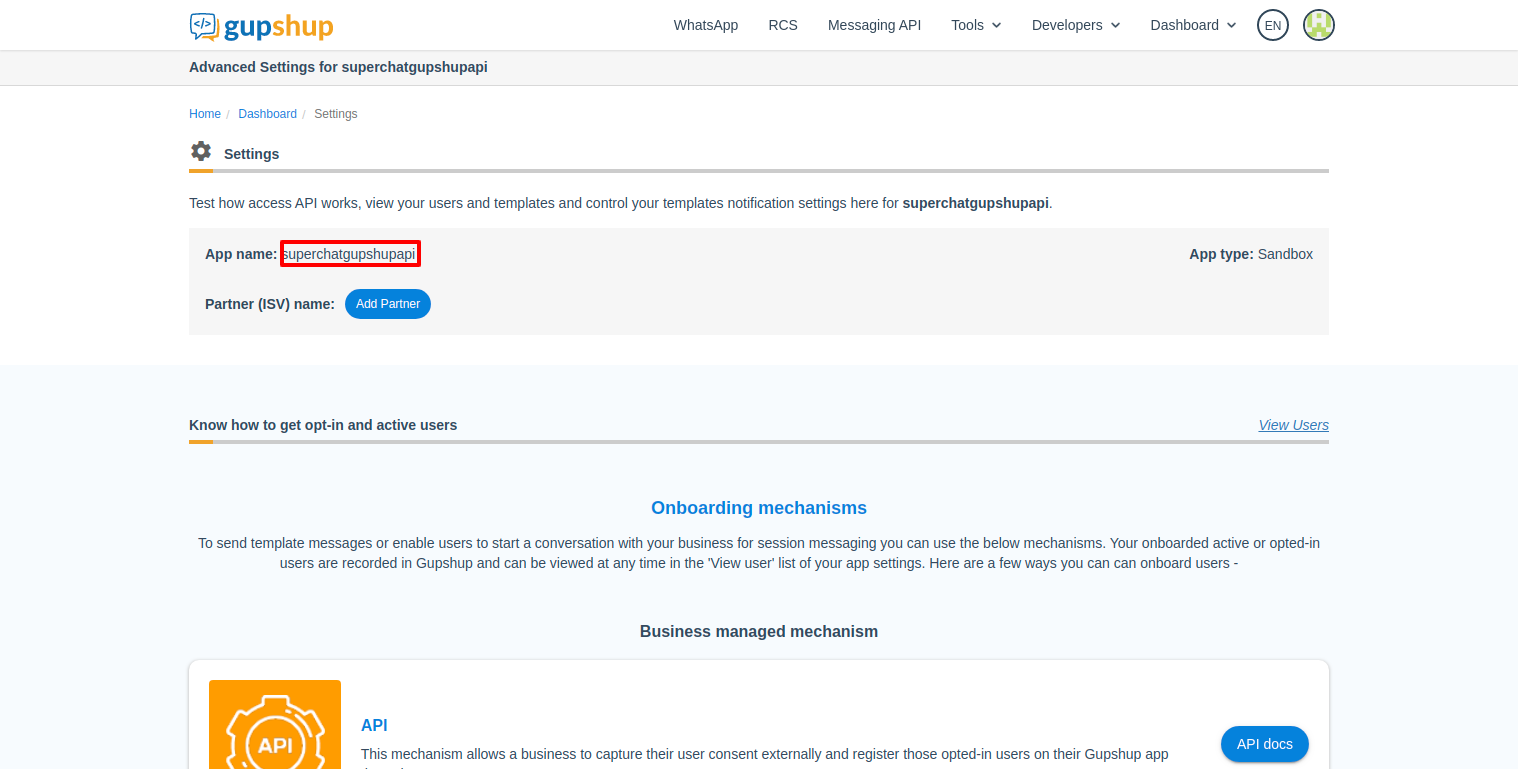
Get api key
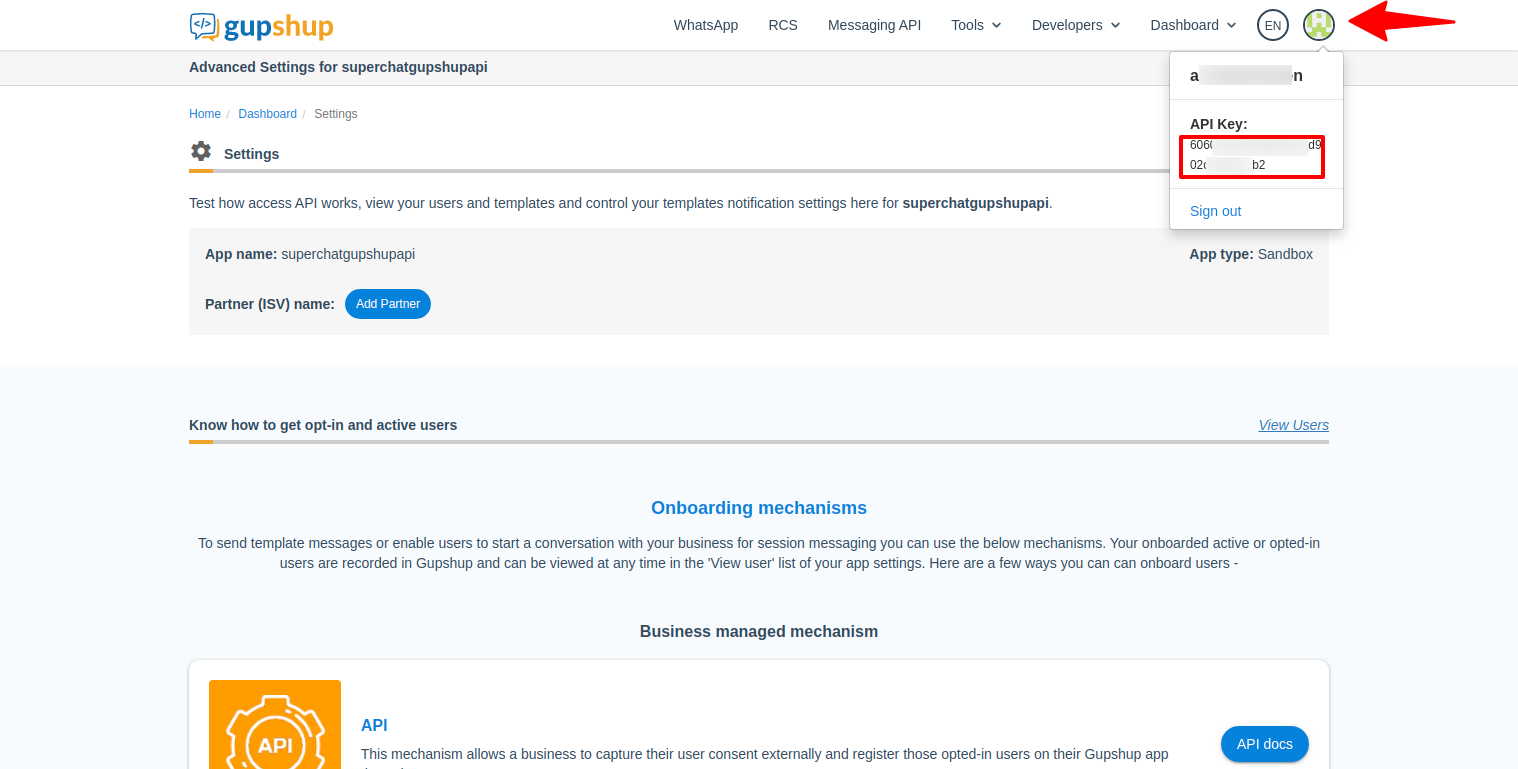
- Open your account info and copy the api key, you will need this information later.
Get Whatsapp number
- Scroll down until you find the section
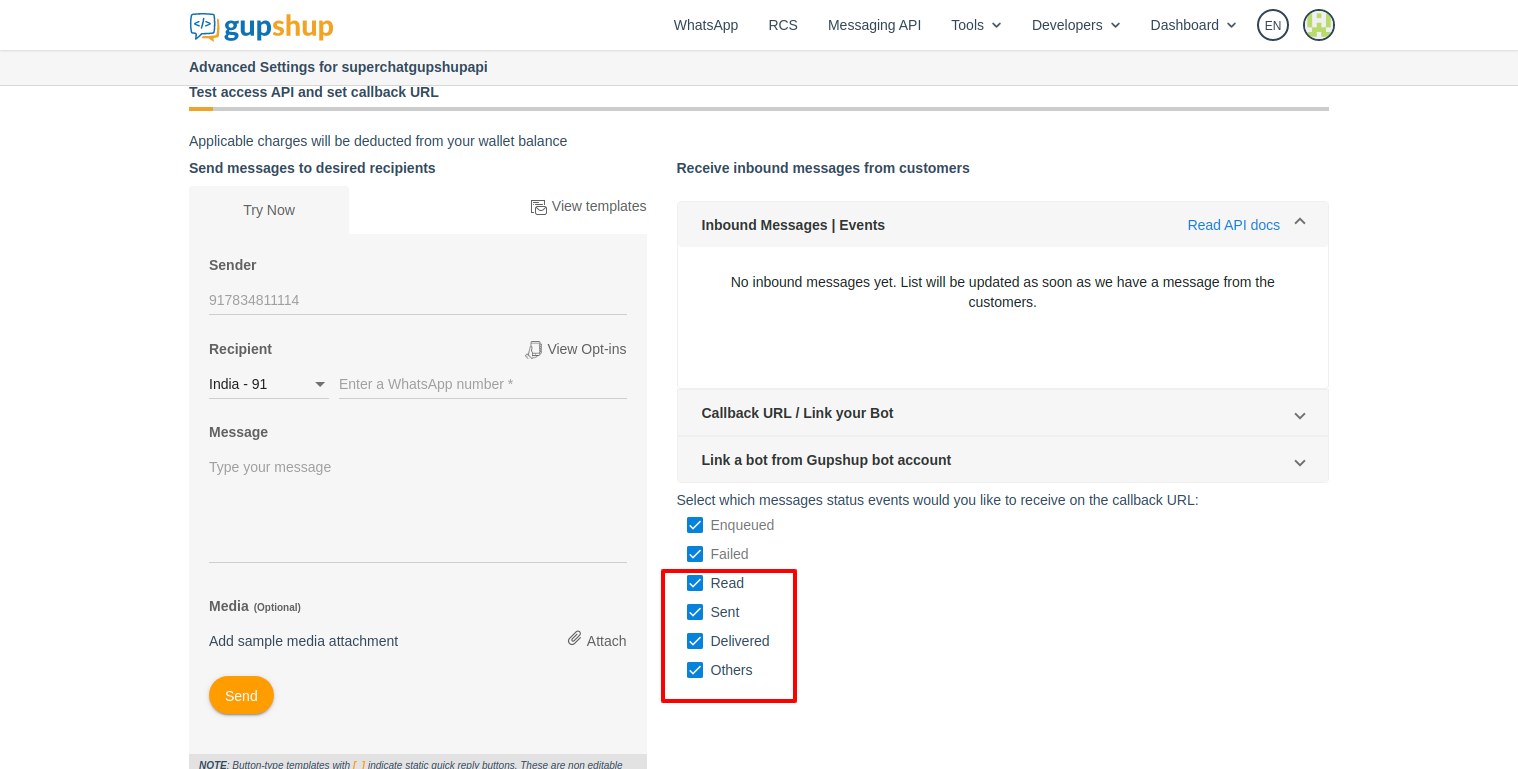
Test access API and set callback URLthen copy the phone number displayed inSender field. You will need this information later.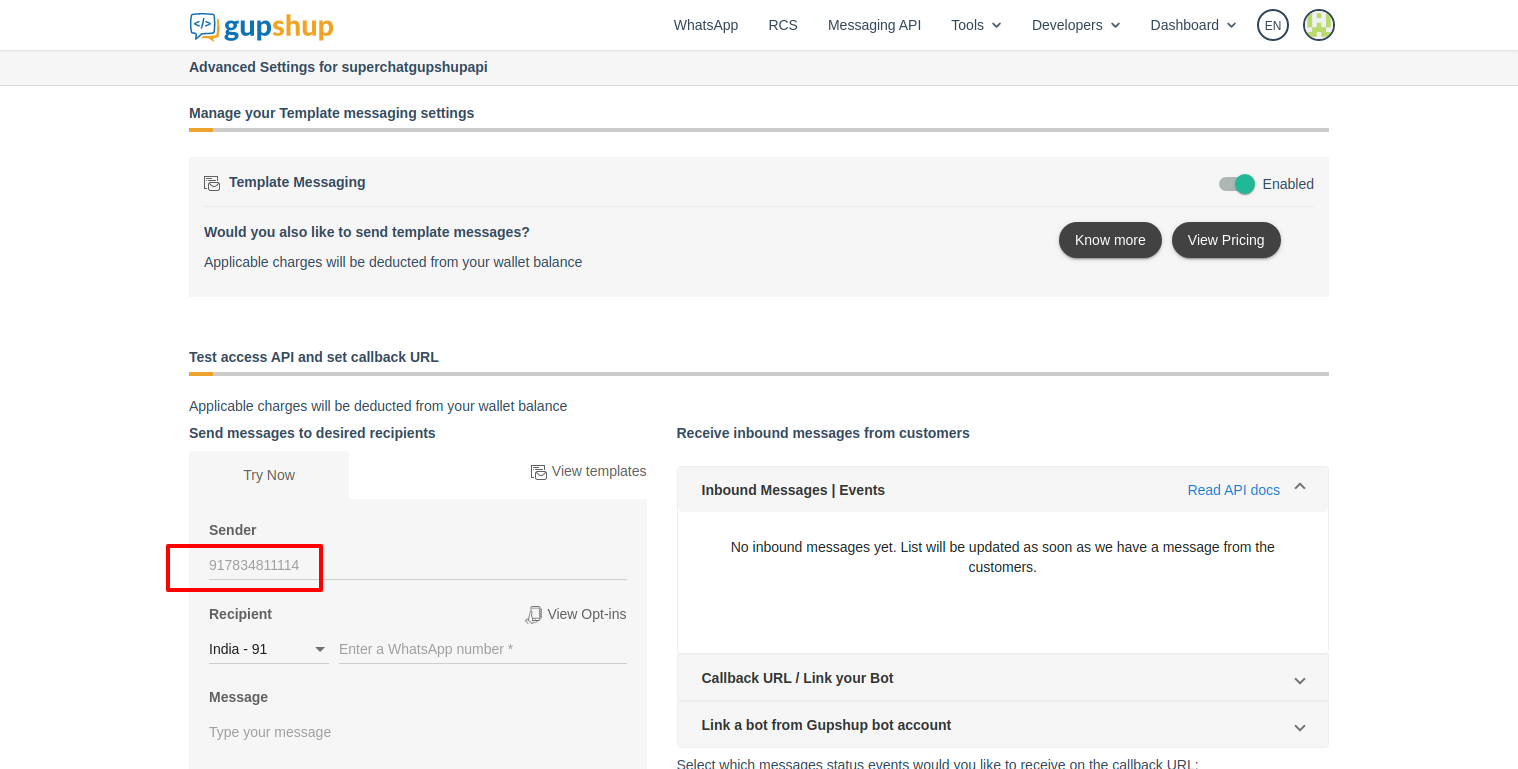
Enable all status messages
- Enable all status messages.