Tiledesk
Provider site: https://tiledesk.com
This provider in his own words
The Live Chat for Web and Mobile Support with integrated chatbot.
Benefits
- Generous free account
- low cost
- Open source code
How to create a user account
Minimum requirements
- Have an email account
Steps
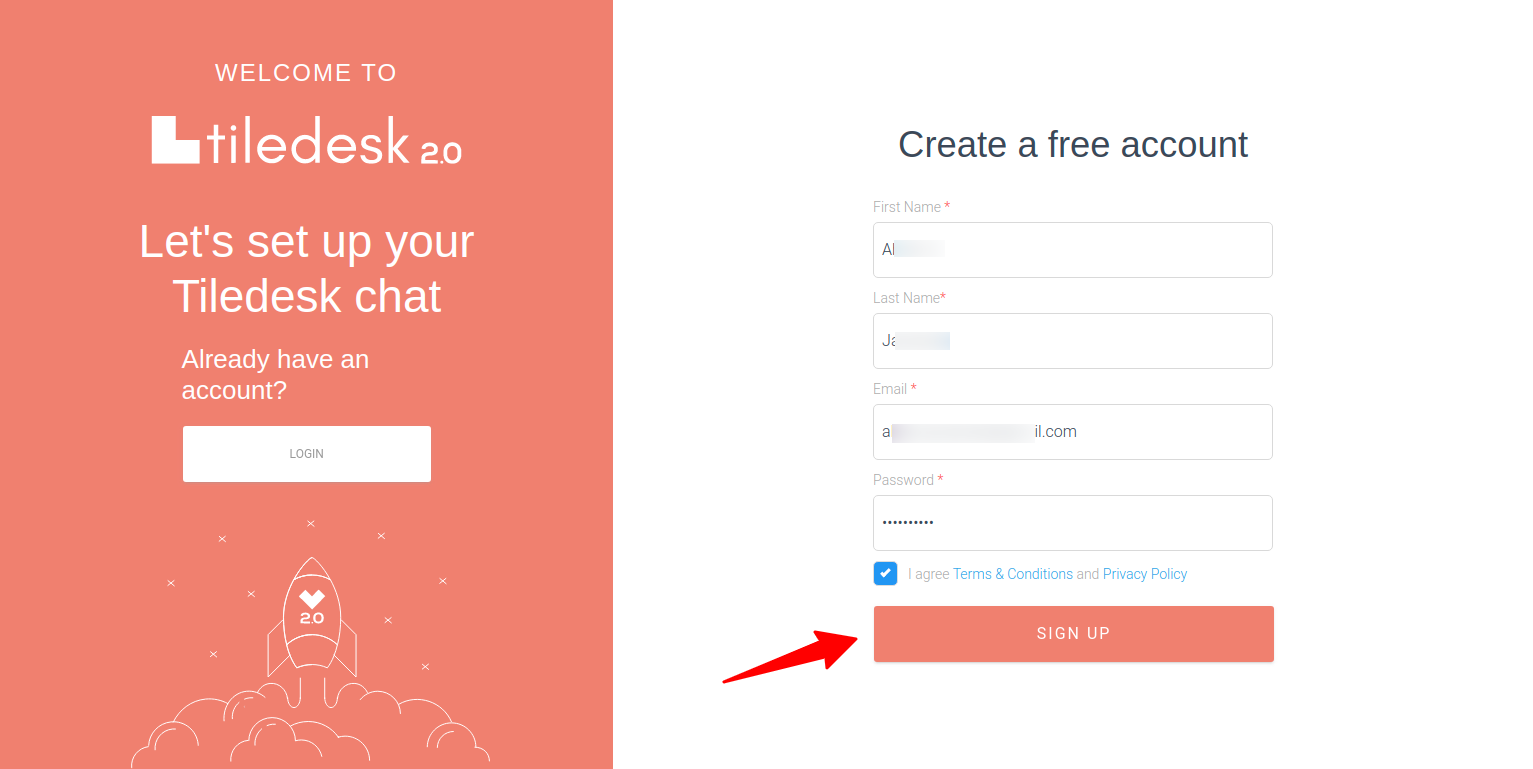
- Open this page in a new browser window.
- Enter the data required for the registration.
- Click in the SIGN UP button.
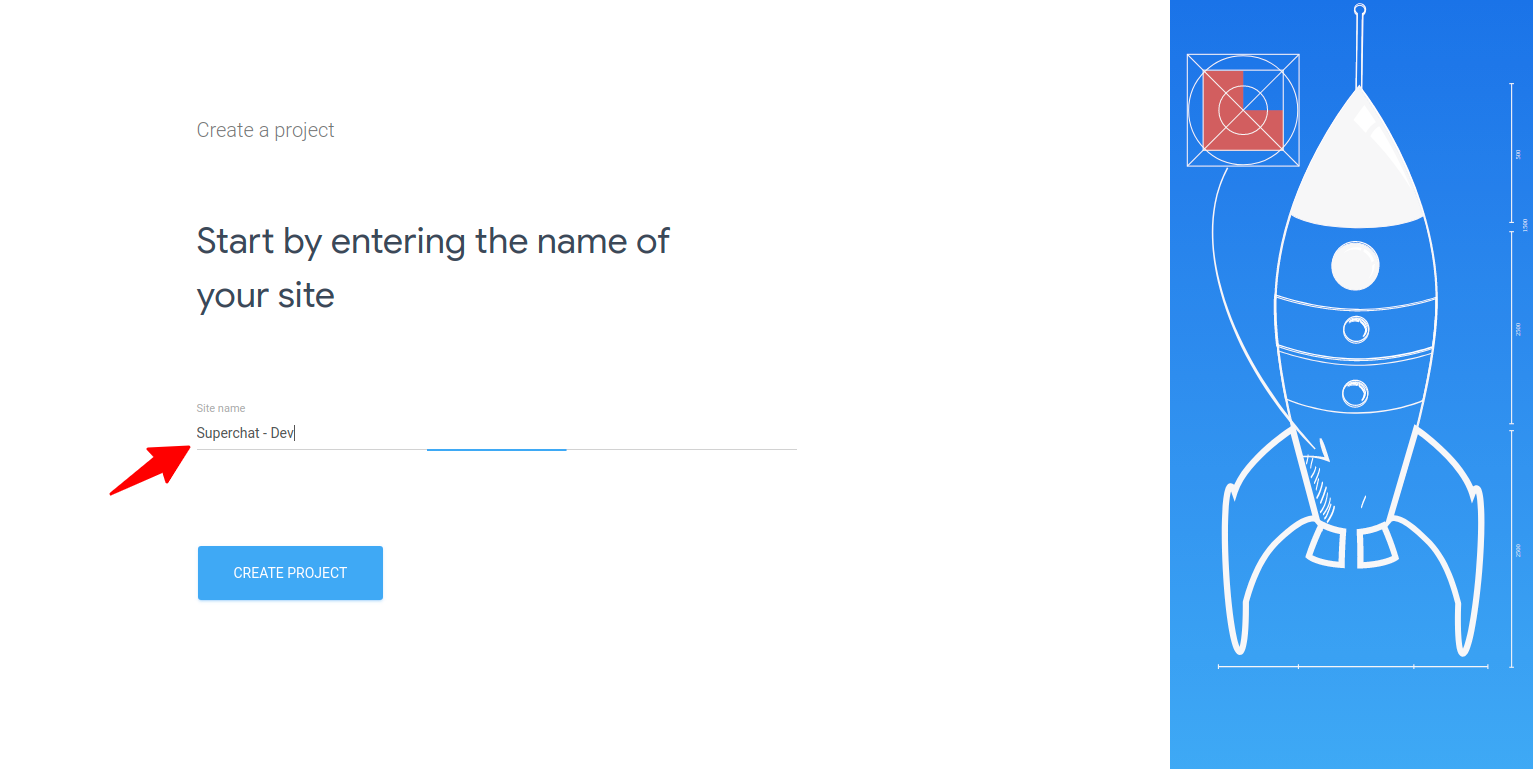
- Enter a name for your app. It's what Tiledesk calls a Site.
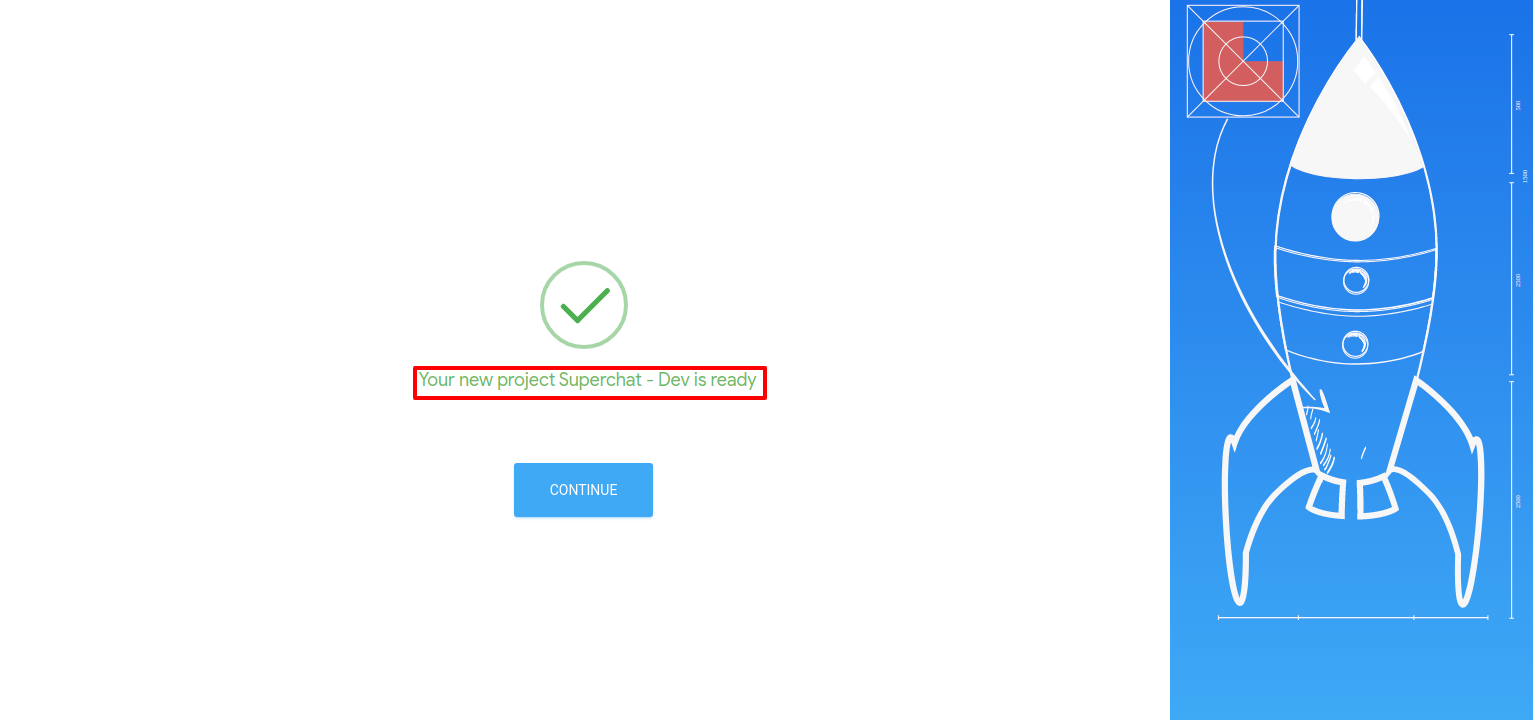
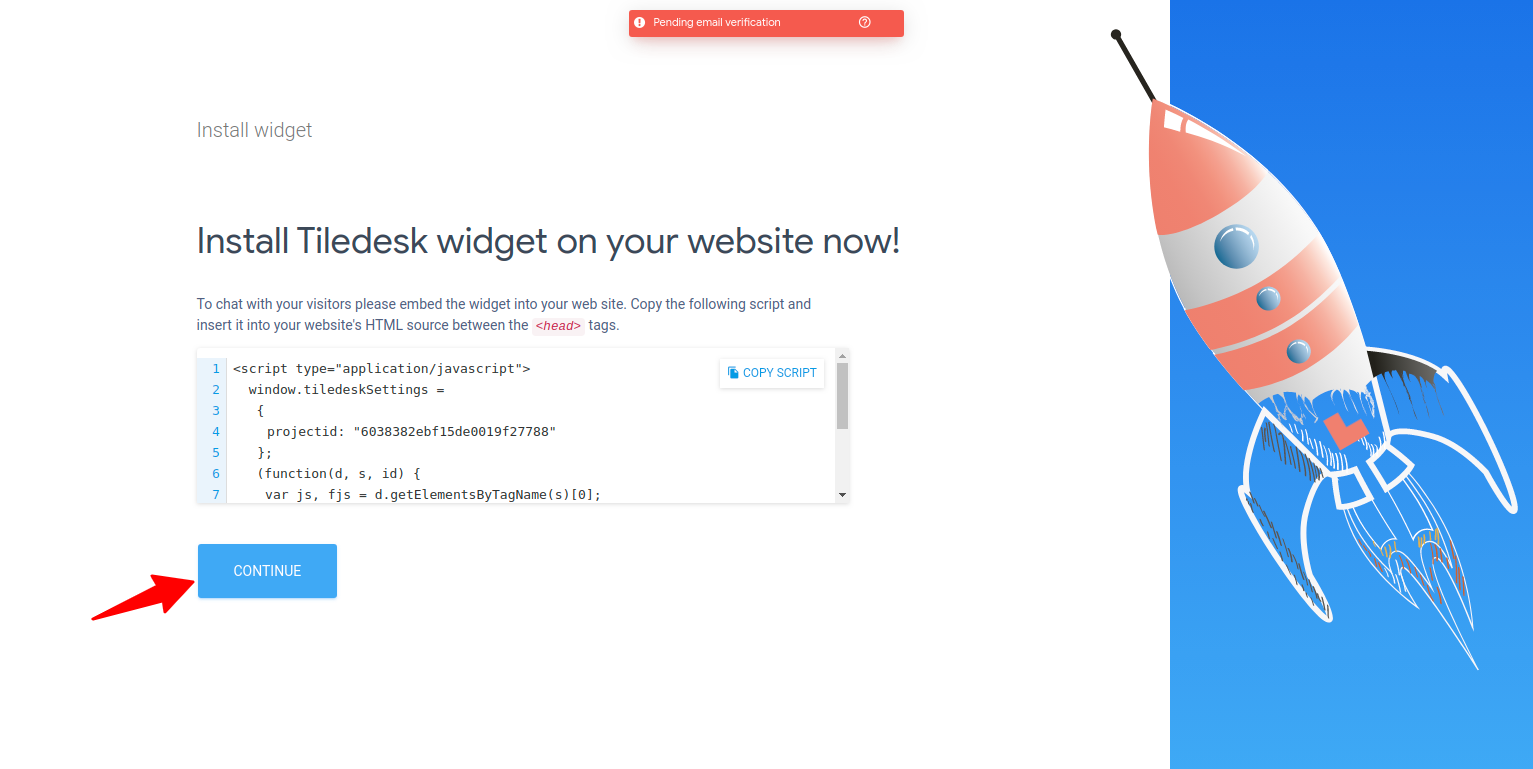
- If everything went well, you will see the page below. Click the CONTINUE button to continue the initial account setup.
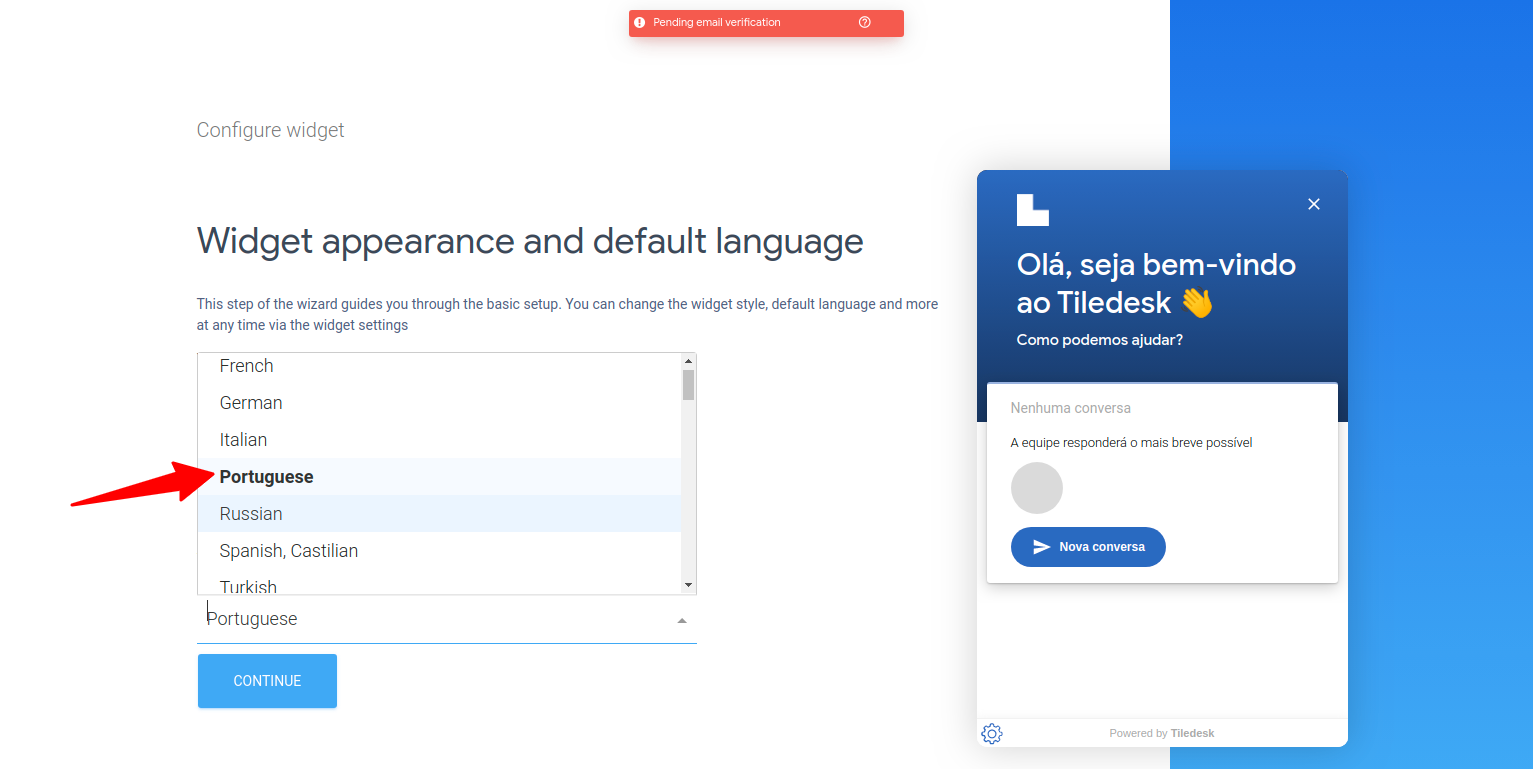
- When creating an account on Tiledesk it requires a small configuration of the widget for sites. At this point, just choose the correct language.
- Then a page appears in case you want to copy the Javascript to embed the widget on your homepage. Ignore and continue to the next page.
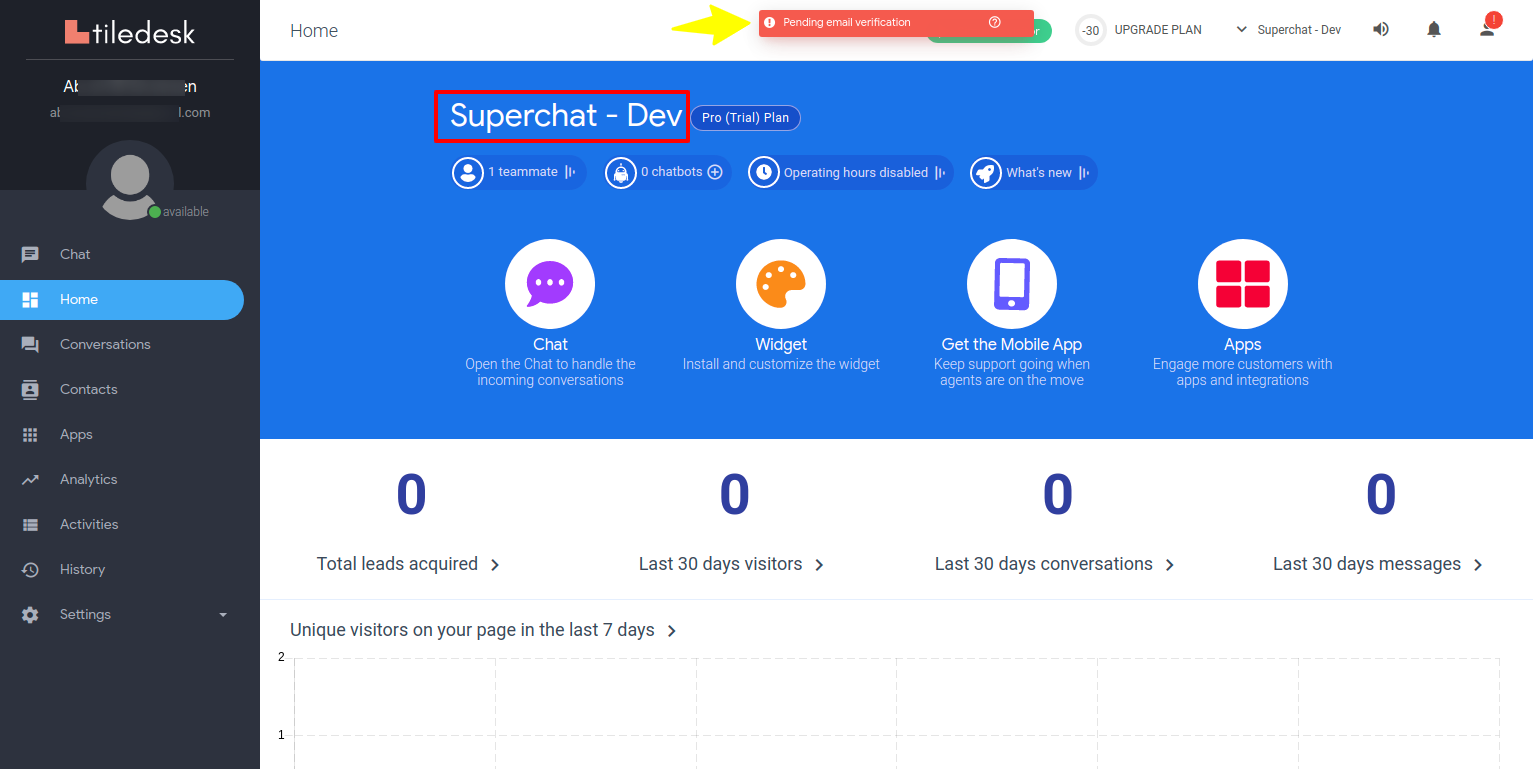
You now have a Tiledesk account and you should be seeing a page like the one below:
Confirm your email
Note that on the previous screen there is a message at the top saying that your email has not yet been confirmed.
Read the message sent by Tiledesk to your email and follow the instructions contained therein.